For a class, clients or members, using Andwise with others describes how the kits work.
Choose your decision
Every kit includes a fictional example, a 15-minute discussion plan and one complete download.
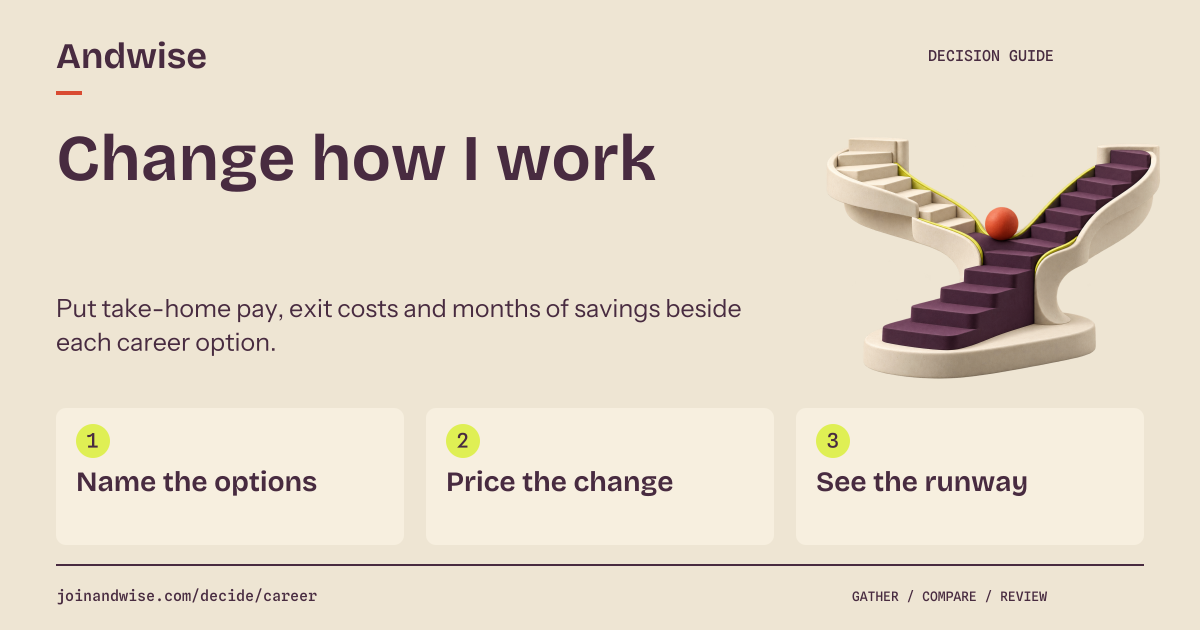
Compare ways of working
Put take-home pay, exit costs and months of savings beside each career option.
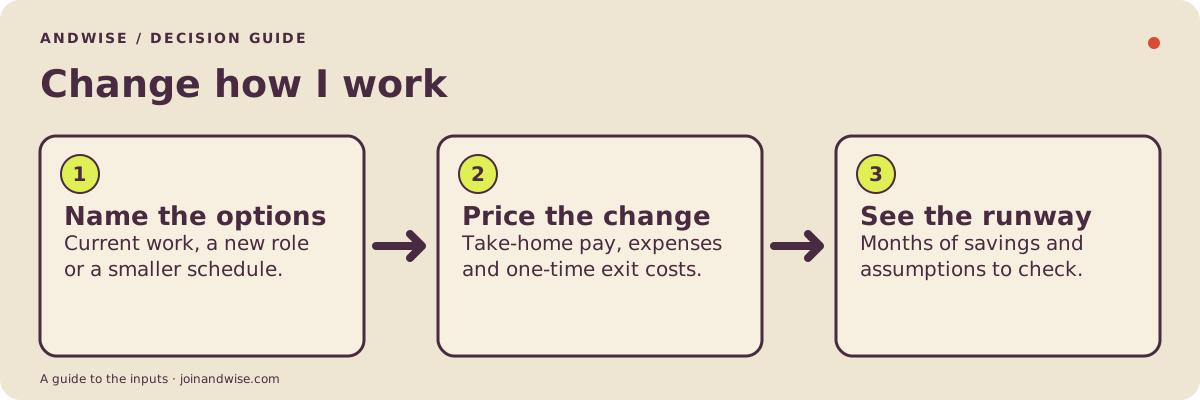
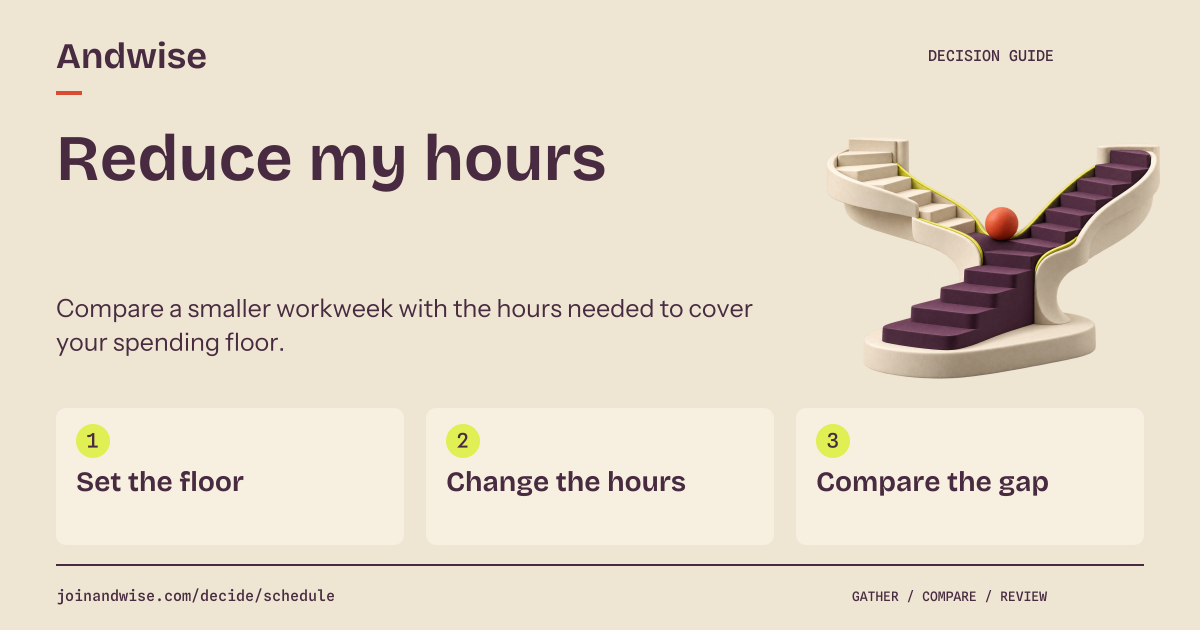
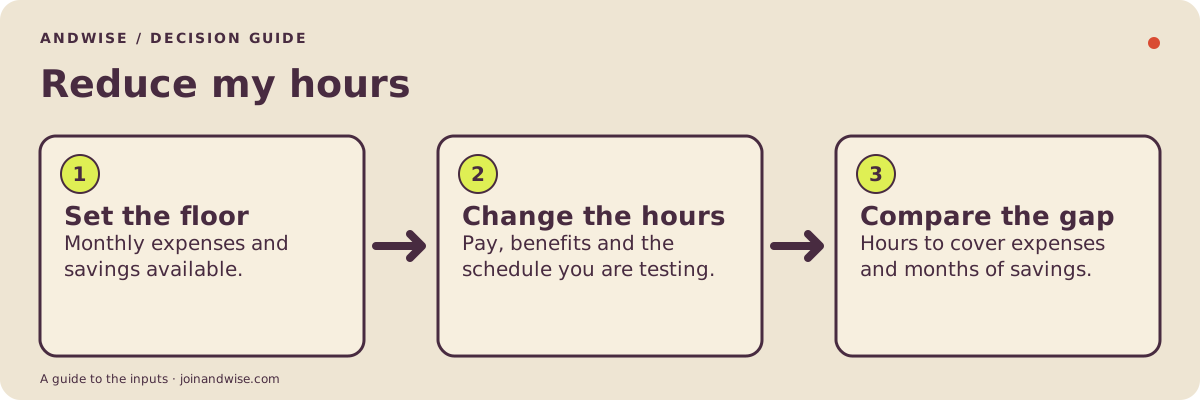
Try a different work schedule
Compare a smaller workweek with the hours needed to cover your spending floor.
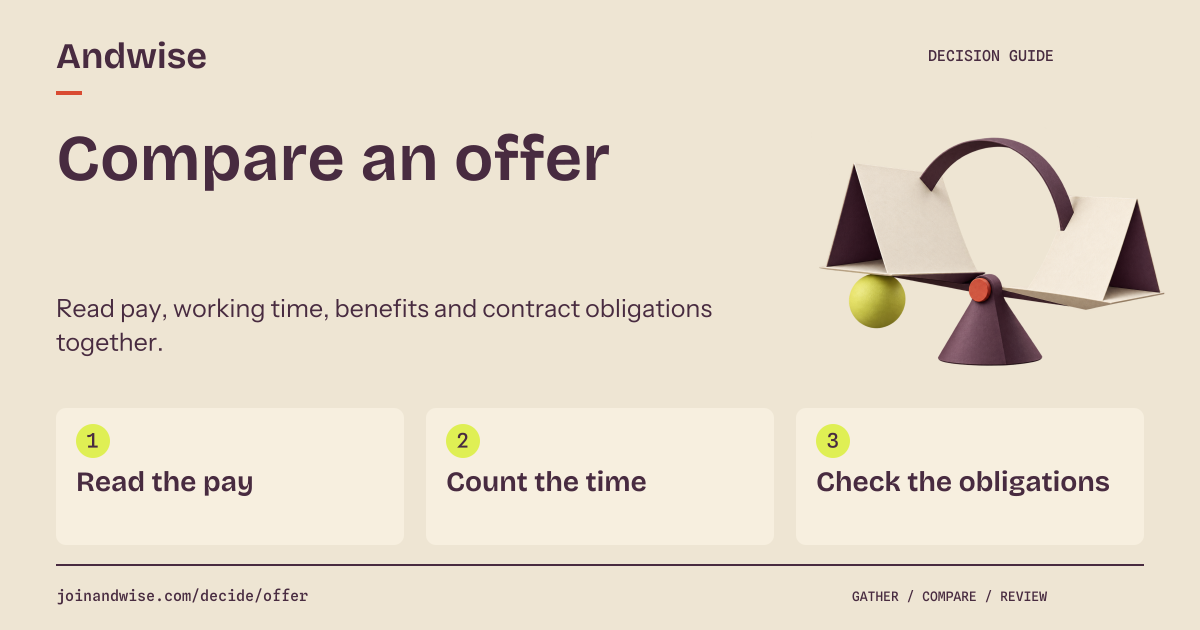
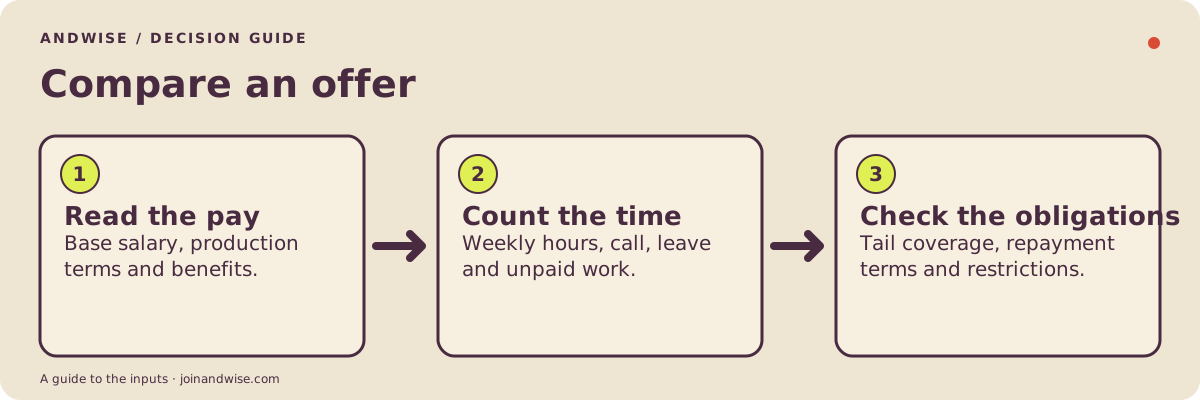
Compare an offer
Read pay, working time, benefits and contract obligations together.
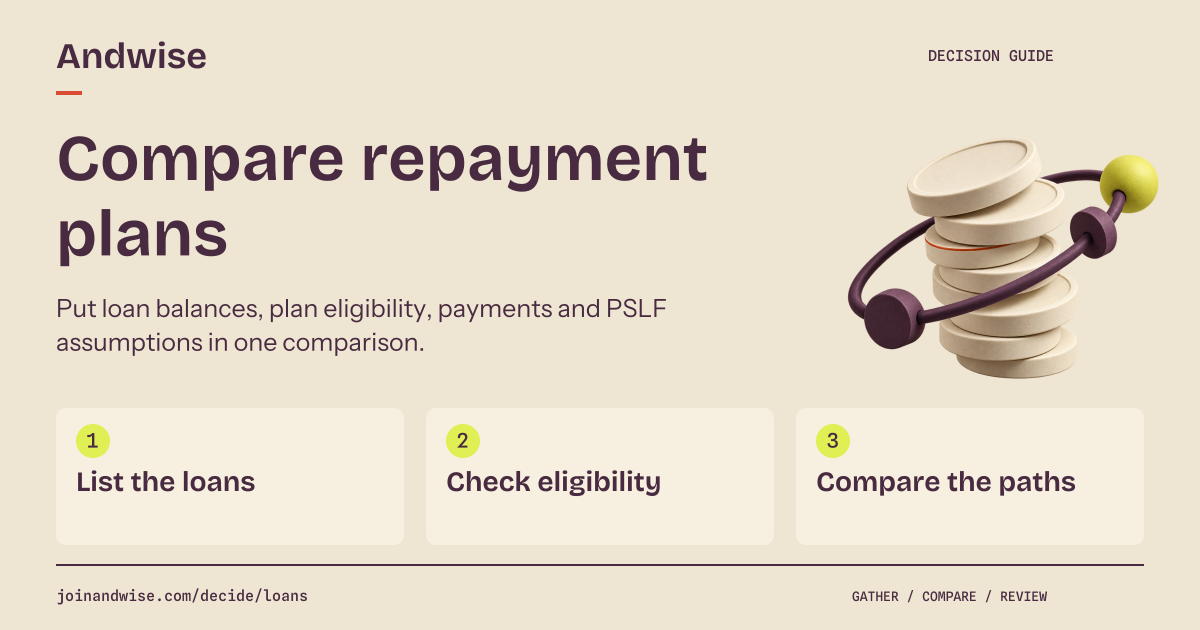
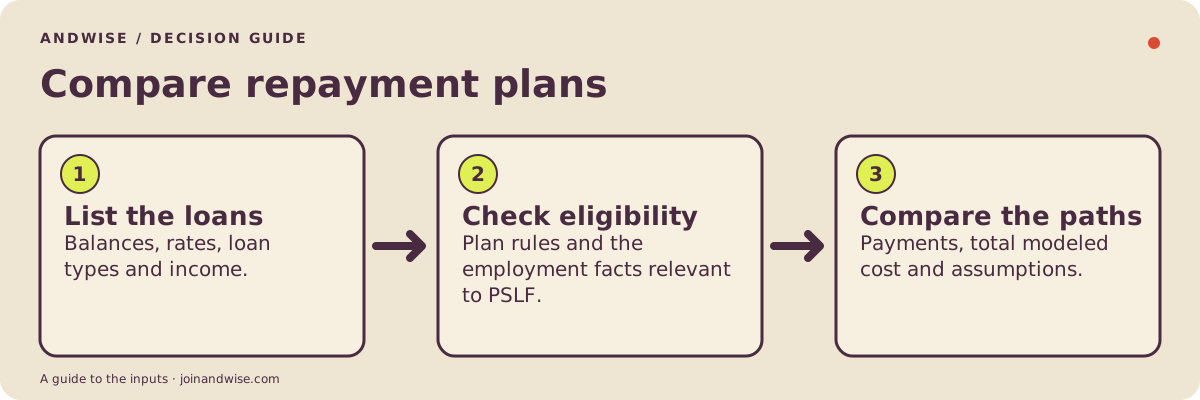
Compare repayment plans
Put loan balances, plan eligibility, payments and PSLF assumptions in one comparison.
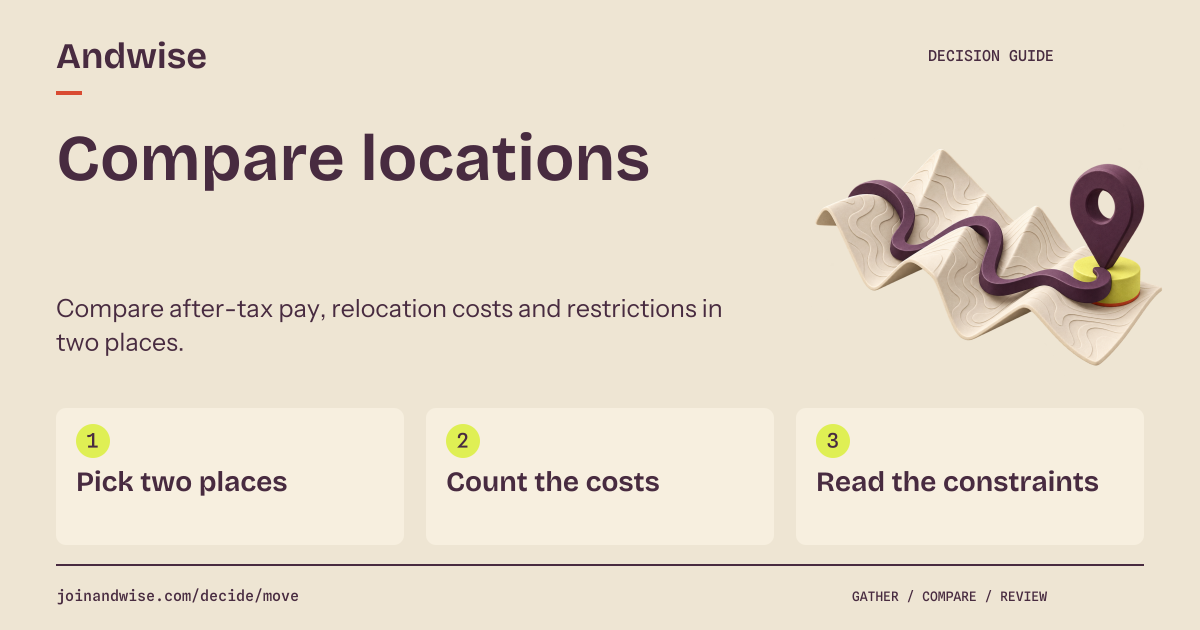
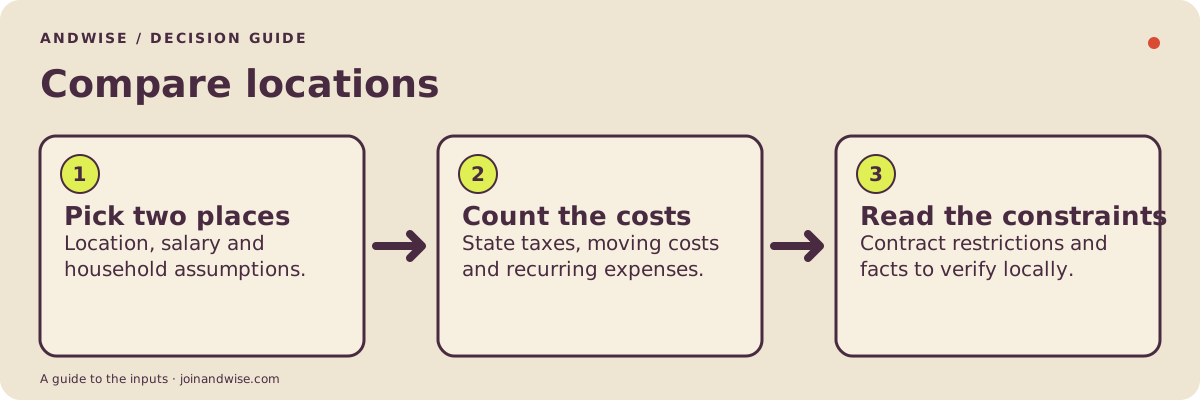
Compare locations
Compare after-tax pay, relocation costs and restrictions in two places.
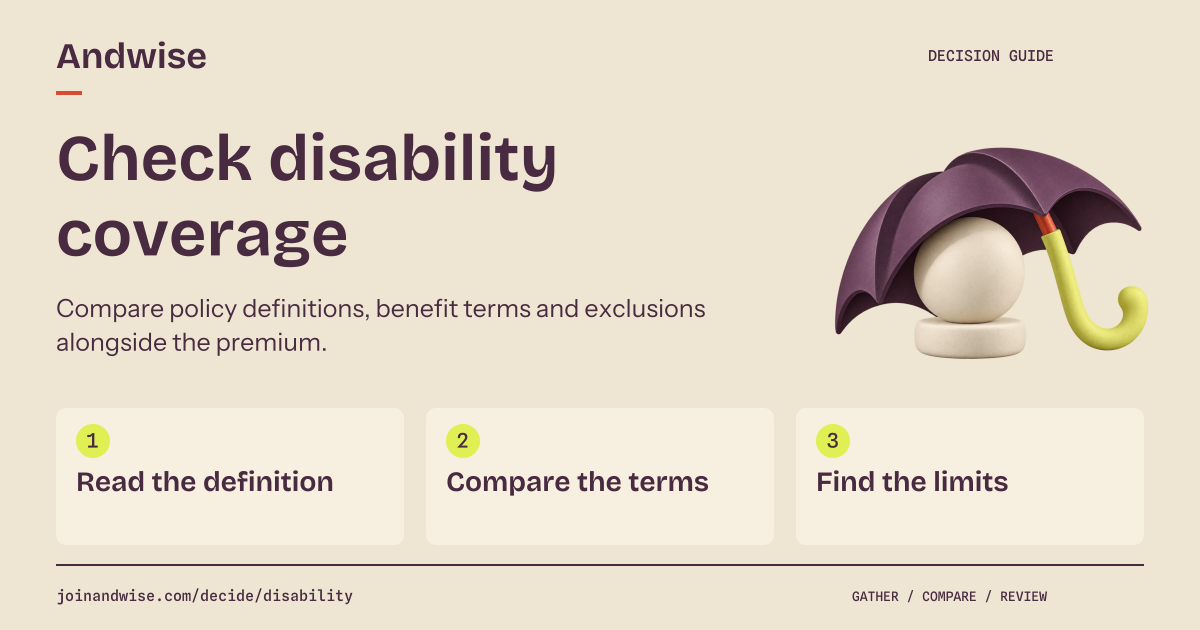
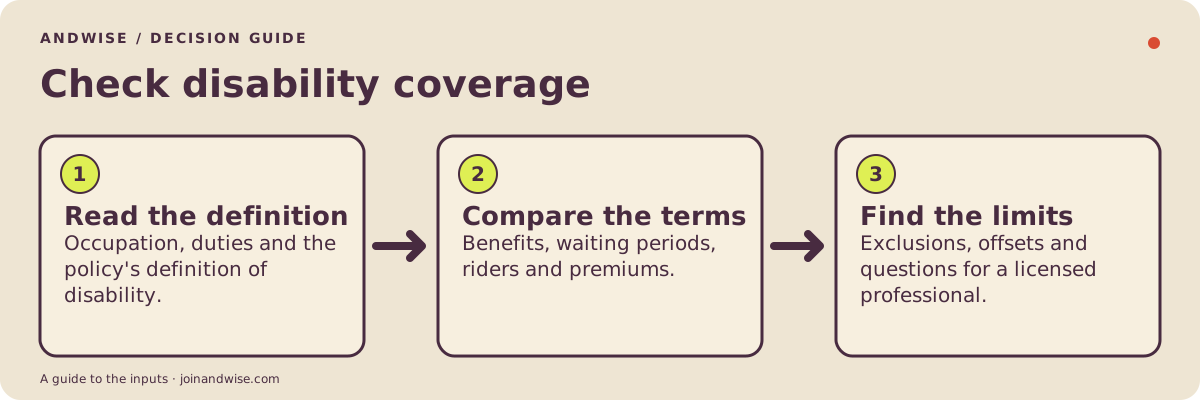
Check disability coverage
Compare policy definitions, benefit terms and exclusions alongside the premium.
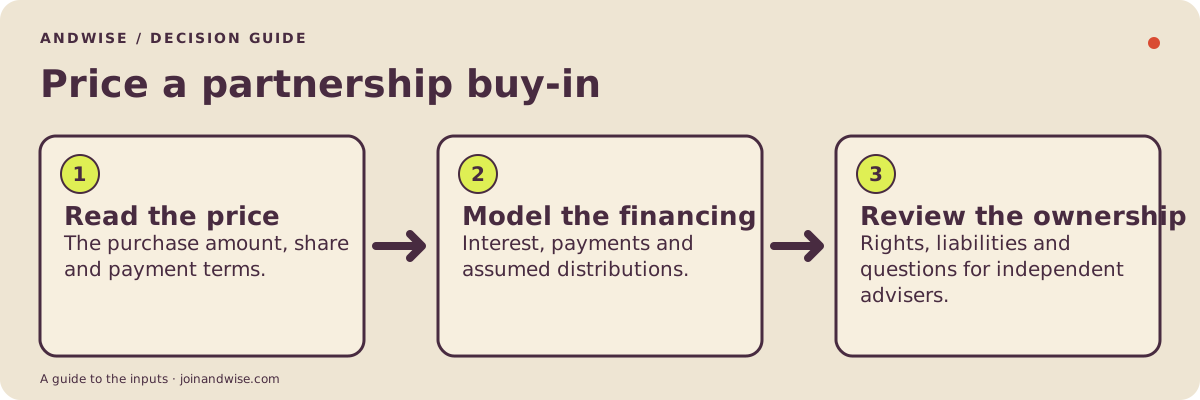
Weigh a partnership buy-in
Separate purchase price, financing, distribution assumptions and ownership terms.
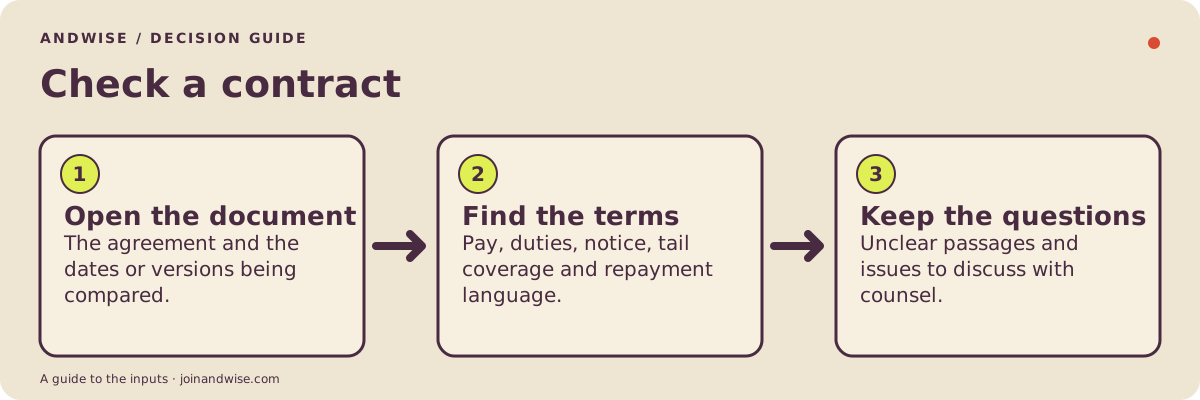
Check a contract
Read the clauses, payment terms and open questions in an employment agreement.
A place to begin
Keep the source beside the entry
When you write down a number or a term, keep the document and date beside it. This blank offer comparison shows what to gather before filling out a worksheet.
| Item | Information to record | Evidence to keep |
|---|---|---|
| Pay | To recordAmount and pay period | Source to keepDated offer or pay statement |
| Working time | To recordHours, call and leave | Source to keepSchedule and relevant contract pages |
| Open questions | To checkTerms that need clarification | Source to keepWritten response and the date received |
These are prompts to fill in, with no personal figures or terms entered. A square marks an entry, a diamond marks its source and an open circle marks a question.
Put these on a screen
The posters, the checklists and the embed cards are built to stand alone: each carries its source and check date, the offer and contract posters use fictional examples, and none of them shows a visitor's contract, finances or other personal data. Three scenes that fit a lounge, call room or office display:
- Resident lounge or call room. The offer comparison poster, the resident hourly-rate page and the graduating-resident exit checklist.
- GME or student affairs office. The federal loan rules card and the non-compete law changes feed.
- Attending lounge or waiting room. The state non-compete widget, the clawback and tax-recovery card and the contract anatomy poster.
The embed widgets are one iframe each. Add &via=Your+program to the address and the footer reads "Distributed by Your program" above the Andwise line; naming a program on a screen is what the co-brand license covers.
For the next class, client or member
Put the kit to work
You may share these unmodified Andwise kit files at no charge in a class, member resource, consultation or newsletter. Keep the Andwise name, source links, dates and scope notes. This permission does not include rebranding, editing, resale or endorsement. Open datasets have their own CC BY 4.0 terms; the archive and third-party materials are outside this permission.
For program naming, see the institutional co-brand terms. For another setting, describe the audience and how you would use the material.
Opens an email draft. Include the organization and intended use; omit personal numbers and contract text.